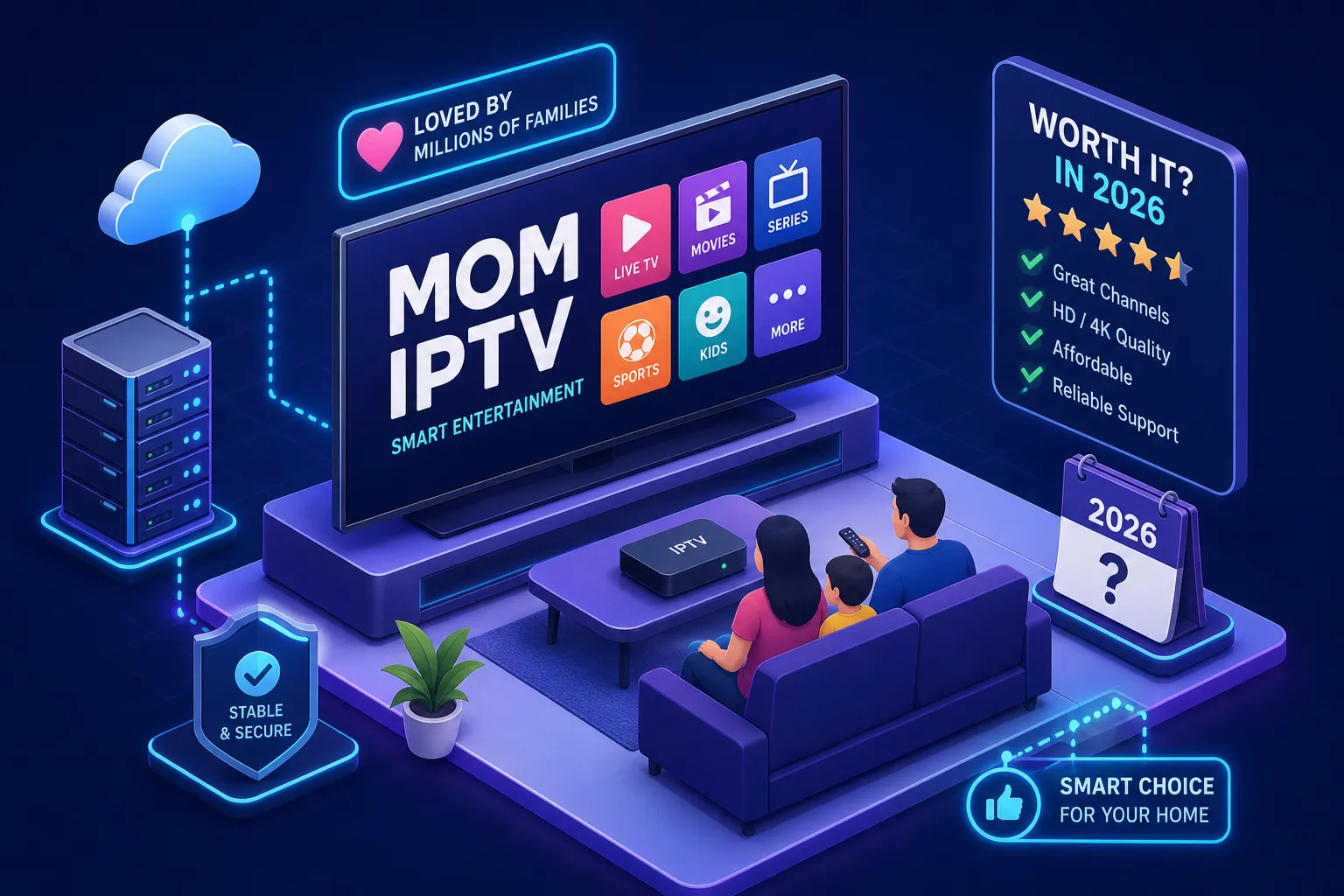
The average American household pays between $100 and $150 per month for cable TV after equipment rental fees, broadcast surcharges, and franchise taxes stack up. That’s over $1,200 a year for a bundle of channels most households never touch. An IPTV service delivers live TV, sports, news, and on-demand content through a standard broadband connection, no satellite dish, no coaxial cable, no technician visit required. Providers like Mom IPTV advertise 22,000+ live channels, buffering-resistant server technology, and 24/7 human support starting at $13/month. That’s the core trade-off worth understanding before you decide.
This guide answers the four questions people ask before switching: how IPTV actually works, whether it’s legal, what separates a good provider from a bad one, and how to get it running on the device you already own. By the end, you’ll have everything you need to make a confident decision about IPTV in 2026.
How an IPTV service works and why it’s replacing cable
What “live TV over the internet” actually means
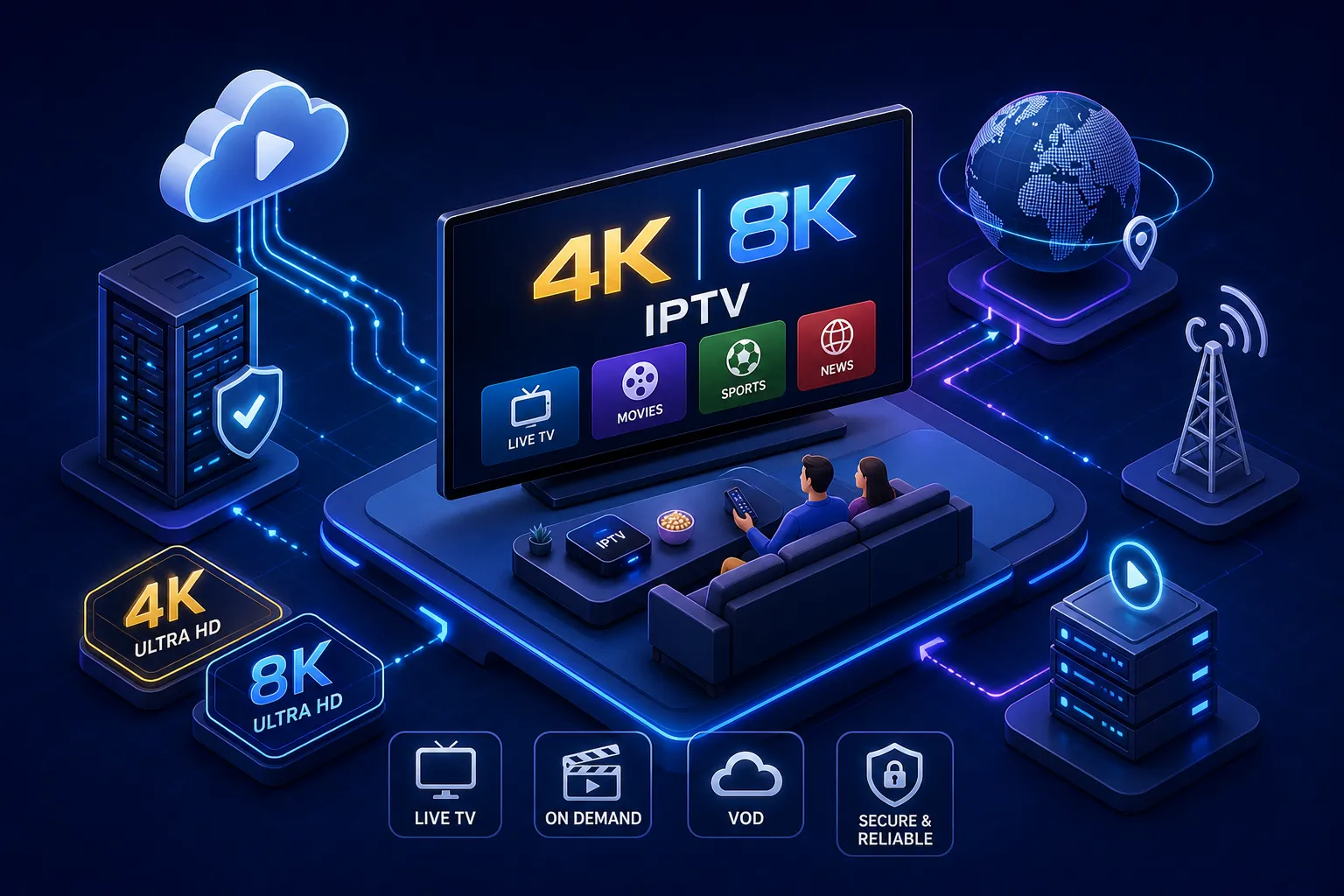
IPTV stands for Internet Protocol Television. It streams TV channels through a broadband connection the same way YouTube or Netflix streams video, except it includes live, linear channels running 24 hours a day. Content travels from a server directly to an app on your device, not through a physical cable line or a satellite signal pointed at your roof. You control what you watch, when you watch it, and on which screen.
Cable vs. IPTV: the real differences
Cable is an infrastructure business. Many traditional cable plans have historically required equipment rentals, multi-year contracts, scheduled installation windows, and channel tiers bundled in ways that serve the provider’s revenue model rather than your viewing habits. IPTV is software-based. You pick a plan, install an app, and you’re watching within minutes of purchase. Most reputable IPTV providers operate on flexible month-to-month terms with no hardware to return and no early termination fees, a meaningful contrast to the add-on pricing structures cable subscribers often face.
What’s included in a typical IPTV package
A complete IPTV subscription typically covers three content categories: live channels across sports, news, entertainment, and international programming; video on demand including movies and full TV series available at any time; and catch-up or time-shifted content so you can watch a game you missed. Top-tier providers bundle all three under one subscription price, while cable generally charges separately for premium tiers, sports add-ons, and premium networks.
Is IPTV legal in the United States?
The short, honest answer
IPTV technology itself is legal. YouTube TV, Hulu Live, and Sling TV all operate on the same technical foundation. The legality question comes down entirely to whether a specific provider holds licenses for the content it distributes. Authorized providers pay for broadcast rights. Unlicensed ones stream channels without permission and carry real legal exposure, for themselves and, to a lesser degree, for their subscribers. Choosing the right provider is where the legal calculus actually lives.
How to tell a legitimate provider from a gray-market one
A trustworthy IPTV provider publishes clear pricing, offers a verifiable refund or money-back policy, and gives you real customer support channels. Very low pricing, particularly anything well under $10/month promising thousands of live channels, is often a red flag for unlicensed content. Legitimate services charge fairly because they operate actual server infrastructure, and content licensing costs money. If a provider promises premium sports coverage at essentially zero cost, that’s not a deal; it’s a signal worth heeding.
Subscribers using unlicensed services also face real security risks beyond the legal exposure. DMCA copyright notices routed through their ISP and service termination under a repeat-infringer policy are among the legal consequences. On the security side, gray-market IPTV operations frequently involve unsafe payment handling and data privacy gaps that put subscribers’ personal information at risk, and any prepaid subscription disappears the moment (not if, but when) an illegal service gets shut down.
What this means for your decision
Choosing a reputable IPTV service with honest pricing, a real support team, and a verifiable business behind it protects you as a viewer. Price alone is not the metric worth optimizing. Provider legitimacy, server uptime, and customer support access matter just as much when you’re depending on a service for daily entertainment and live sports.
What to look for in a provider before you subscribe
Channel count and content depth
Raw channel numbers matter, but context matters more. A provider with 22,000+ live channels covering sports, news, entertainment, and international programming serves a fundamentally different audience than one with 5,000 channels focused on a single region. VOD library size is equally important. Providers advertising 120,000+ movies and TV series on demand position their catalog as an alternative to maintaining a separate streaming subscription for on-demand content. Keep in mind that a large library size doesn’t guarantee every specific title you want will be available, it’s worth checking a sample of the catalog before committing. One subscription and one bill is the goal; whether a given provider gets you there depends on what you actually watch.
Streaming quality and server stability
HD, FHD, UHD, and 4K resolution options all look appealing on a pricing page, but the server infrastructure behind the streams is what determines whether those quality levels hold up under real conditions. Load-balanced, buffering-resistant servers are what prevent stream interruptions during peak traffic windows like Sunday NFL games or championship events. A provider can advertise 4K streams but deliver an unwatchable buffer spiral if its servers can’t handle concurrent traffic. The infrastructure matters more than the label.
Device compatibility and multi-connection support
A provider worth subscribing to runs on Fire TV Stick, Android TV, Samsung and LG Smart TVs, iOS, and Android phones and tablets under a single account. Note that support for MAG boxes and similar hardware varies by provider, so confirm compatibility before purchasing if that’s your preferred setup. Households where two or more people stream simultaneously need multi-connection slots built into the plan. Paying for a service that only supports one screen in a household with three TVs defeats the purpose of replacing cable.
Customer support that actually responds
The gap between 24/7 WhatsApp support and a forum thread with a dead email address becomes obvious the moment a live sports stream goes down at halftime. You need a response in minutes, not days. Real human support accessible via WhatsApp or live chat is the benchmark worth holding every provider to, especially when live sports are a core part of why you’re subscribing.
What IPTV subscriptions actually cost in 2026
The typical IPTV pricing range
Reputable IPTV subscriptions generally fall between $12 and $20/month for a monthly plan, with longer-term plans reducing the effective monthly cost. Mom IPTV advertises a starting price of $13/month with 1-month, 3-month, 6-month, and 12-month tiers, so you’re not locked into a full year before you’ve had a chance to test the service in your home. The service also advertises a 7-day money-back guarantee, confirm the specific terms directly with the provider before purchasing.
IPTV vs. cable: the cost math in plain numbers
A typical cable bill runs $100 to $150/month in 2026 after broadcast fees, equipment rental, and sports add-ons are factored in. A full-featured IPTV subscription can deliver more live channels and a broader on-demand library at $13 to $20/month with no hardware fees. That’s a potential savings of $80 to $130/month, or roughly $1,000 to $1,500 per year. Families currently paying for cable plus two or three additional streaming apps may find they can consolidate into a single IPTV subscription and still come out ahead financially, though exact savings depend on your current plan and viewing needs.
What the best IPTV service looks like in 2026
The features that separate a great service from a forgettable one
The strongest IPTV providers in 2026 tend to check multiple boxes simultaneously: 20,000+ live channels, a VOD library large enough to reduce dependence on standalone streaming apps, fast stream initiation, 4K capability backed by stable server infrastructure, multi-device support under a single account, and round-the-clock human support. Finding all of those features at an accessible price point narrows the field considerably.
Why Mom IPTV consistently checks every box
Mom IPTV advertises 22,000+ live channels and 120,000+ on-demand titles backed by load-balanced server infrastructure designed to handle peak traffic without buffering. Streams are available in HD, FHD, UHD, and 4K. The service claims instant account activation with no hardware setup required. Support is advertised as 24/7 via WhatsApp and email with real people responding rather than automated ticket queues. At a starting price of $13/month with a 7-day money-back guarantee, the service positions itself as a competitive alternative to providers charging significantly more for fewer channels and slower support response times.
Who Mom IPTV is the right fit for
Based on its advertised features, the service is well-suited to a few specific audiences. Cord-cutters who want live TV without cable’s price tag will find one of the larger channel libraries on the market at an accessible entry price. Sports fans who need reliable access to NFL, NBA, and international soccer will appreciate server infrastructure built to handle high-traffic live events. Multicultural households seeking native-language programming from Latin America, the Middle East, Europe, and Asia get international channel depth that mainstream US streaming services typically don’t offer. Tech-forward viewers already running a Firestick or Android TV box can take advantage of a deep content library that works with the hardware they already own.
How to get started with IPTV on your device
Setting up on a Fire TV Stick or Android device
Start by enabling “Apps from Unknown Sources” in your Fire TV settings under My Fire TV, then Developer Options. Install the Downloader app from the Amazon Appstore, use it to download your preferred IPTV player (IPTV Smarters Pro and TiviMate are among the most widely used), and install it from the APK file. Open the app, select Xtream Codes API or M3U URL as your login method, and enter the credentials your provider sends upon account activation. For a stable single HD stream, a connection of around 10 Mbps is typically sufficient. For 4K, 25 Mbps is a common minimum recommendation, and 50 Mbps or higher gives you meaningful headroom on shared networks or when watching high-motion sports content.
Getting it running on a Smart TV
Samsung and LG Smart TVs support IPTV apps natively through their respective app stores. Search for a compatible smart IPTV app in your TV’s store, install it, and enter the M3U playlist URL or the activation code your provider ties to the TV’s MAC address. Most modern Smart TVs handle this process without any additional hardware. If the app store route doesn’t work for your TV model, a Fire TV Stick plugged into the HDMI port is a reliable fallback that gives you full app access.
Fixing the most common streaming issues
Buffering is usually an internet speed or Wi-Fi signal problem, not a server problem. Move closer to your router or switch to a wired connection before assuming the service is at fault. Frozen channels often respond well to switching stream quality from 4K down to FHD, which reduces bandwidth demand without a meaningful drop in picture quality on most screens. App crashes clear up in most cases by clearing the app’s cache and doing a clean restart before reaching out to support. Providers running well-engineered server infrastructure handle many of these issues automatically, but the steps above resolve the majority of common problems at the device level.
Is IPTV right for your household?
IPTV delivers live TV and on-demand content through a broadband connection at a fraction of what cable charges. It works on the devices you already own, requires no installation appointment, and locks you into nothing when you choose a provider with flexible terms. Legality comes down to one thing: selecting a provider with real infrastructure, honest pricing, and properly licensed or legitimately operated content.
The evaluation checklist is straightforward. Look for a large live channel library, a substantial VOD catalog, stable 4K-capable servers with buffering-resistant infrastructure, broad device support, flexible subscription tiers, and 24/7 human customer service. Mom IPTV advertises all of those features starting at $13/month, with a 7-day money-back guarantee that the provider positions as a low-risk way to test the service before making a longer commitment.
If you’re ready to cut the cable bill and keep every channel that matters, try Mom IPTV with the 7-day money-back guarantee and see what a properly built IPTV service can do for your household. For anyone comparing IPTV trial providers before committing, testing a service on your actual devices and network is always the most reliable way to evaluate real-world performance.