Choosing between 4K and 8K IPTV streaming services requires understanding codecs, bandwidth, and server quality before you ever enter a credit card number. Your 4K television is capable of displaying more detail than most streaming services ever actually send to it. The picture you see on a typical cable or basic streaming subscription is rarely the full resolution your screen can handle. True 4K IPTV streaming closes that gap, but only when the provider behind it has the server infrastructure to back up the resolution claim. That distinction matters more than most buyers realize.
The market for ultra-high-definition streaming services has expanded noticeably through 2026, and so has the noise around it. Plenty of providers slap “4K” on their marketing without the codec support, server capacity, or content library to justify it. A few genuinely deliver. Mom IPTV is one concrete example of what a purpose-built 4K streaming service looks like: 22,000+ live channels, 120,000+ VOD titles, and dedicated server infrastructure built to hold picture quality steady even during high-traffic live events. This guide breaks down what separates real 4K delivery from the marketing version, and which providers are worth your money in 2026.
What 4K and 8K IPTV streaming services actually deliver
Resolution labels follow a clear hierarchy: HD is 720p, FHD is 1080p, 4K UHD is 3840×2160, and 8K UHD doubles that to 7680×4320. More pixels means more detail, but resolution alone doesn’t determine what you actually see on screen. Server infrastructure, stream encoding, and delivery speed all shape the final picture. A provider can label a stream “4K” and still deliver a soft, freezing image if their servers can’t sustain the required bitrate.
The gap between a native 4K source and upscaled 1080p content sold as “4K” is real and visible. Native 4K is encoded at full resolution from the source. Upscaled content starts at a lower resolution and gets stretched up, losing clarity in the process. When you’re evaluating any provider’s 4K claims, that distinction is the first thing to press on.
Resolution vs. stream quality: why the number on the box isn’t the whole story
A genuine 4K experience requires three things working together: source content encoded at 4K resolution, a server capable of sustaining that bitrate without dropping frames, and a device that can decode and display it properly. Remove any one of those, and the “4K” label becomes meaningless. A provider with weak servers still delivers a blurry or freezing picture at any resolution, picture a household with a brand-new 4K television, a gigabit internet plan, and a provider running underpowered origin servers. The result is a choppy stream that has nothing to do with the TV or the connection.
This is why server quality is the variable most buyers overlook. You can own a top-tier 4K television, subscribe to a service advertising thousands of 4K channels, and still watch choppy, degraded video. The bottleneck is almost never your TV.
HEVC, H.264, and AV1: the codec difference that changes your bandwidth bill
HEVC (H.265) is the standard codec for 4K IPTV because it delivers 4K at 15 to 25 Mbps, compared to 50 to 80 Mbps for older H.264 streams. That efficiency gap has a direct impact on whether your current internet plan can handle 4K streaming reliably. AV1 is an emerging alternative offering roughly 20 to 35 percent bandwidth savings compared to HEVC in real-world encoding tests. Both are strong choices. H.264 at 4K resolution is a sign the provider hasn’t modernized their encoding pipeline.
How much internet speed you actually need for 4K and 8K IPTV streaming services
Before you evaluate any provider, run a quick check on your connection. Most buyers skip this step and then blame the service for problems that start with their own setup. Wi-Fi overhead, multiple simultaneous streams, and router placement all eat into usable bandwidth, so the figures below assume a reasonably clear connection:
- 25 Mbps, practical minimum for a single 4K HEVC stream
- 35 to 50 Mbps, stable recommendation for most households where other devices are also online
- 100 Mbps or more, required for 8K streaming
4K IPTV bandwidth: minimum vs. recommended
A stable single 4K HEVC stream needs about 30 Mbps of sustained throughput with headroom. The 25 Mbps floor is real, but it leaves almost no room for other devices on the same network. For most households, 50 Mbps is the safer planning target. H.264-encoded 4K streams can demand 50 to 80 Mbps per stream on their own, which is why codec awareness matters when you’re comparing UHD IPTV services. A service using HEVC works better on a typical home internet plan than one still encoding in H.264.
8K streaming requirements: what your setup actually needs
8K streaming requires 100 Mbps or more per stream, HDMI 2.1 between your player and your television, and a device with 8K codec decoding capability. Wired Ethernet is strongly recommended for consistent 8K performance, modern Wi-Fi 6E and Wi-Fi 7 setups may handle it under ideal conditions, but real-world wireless environments introduce enough variability to make a wired connection the practical default for most households. Your TV also needs a native 8K panel with a 7680×4320 resolution and an HDMI 2.1 input to accept the signal without downscaling. In 2026, this full chain is still uncommon in most living rooms, and the content to push through it is even rarer.
For the majority of viewers, 4K-capable hardware is where setup decisions actually matter right now.
Best devices and apps for 4K and 8K IPTV playback in 2026
Your device determines whether your provider’s 4K stream actually reaches your screen at full quality. Before subscribing to any service, confirm your hardware supports premium IPTV channel packages at 4K resolution and that you have the right app installed. 8K support is not widely available on mainstream IPTV apps as of 2026; it depends on the full chain from device chipset to HDMI version to the provider’s actual stream quality.
Fire TV, Nvidia Shield, and Android boxes: the top hardware picks
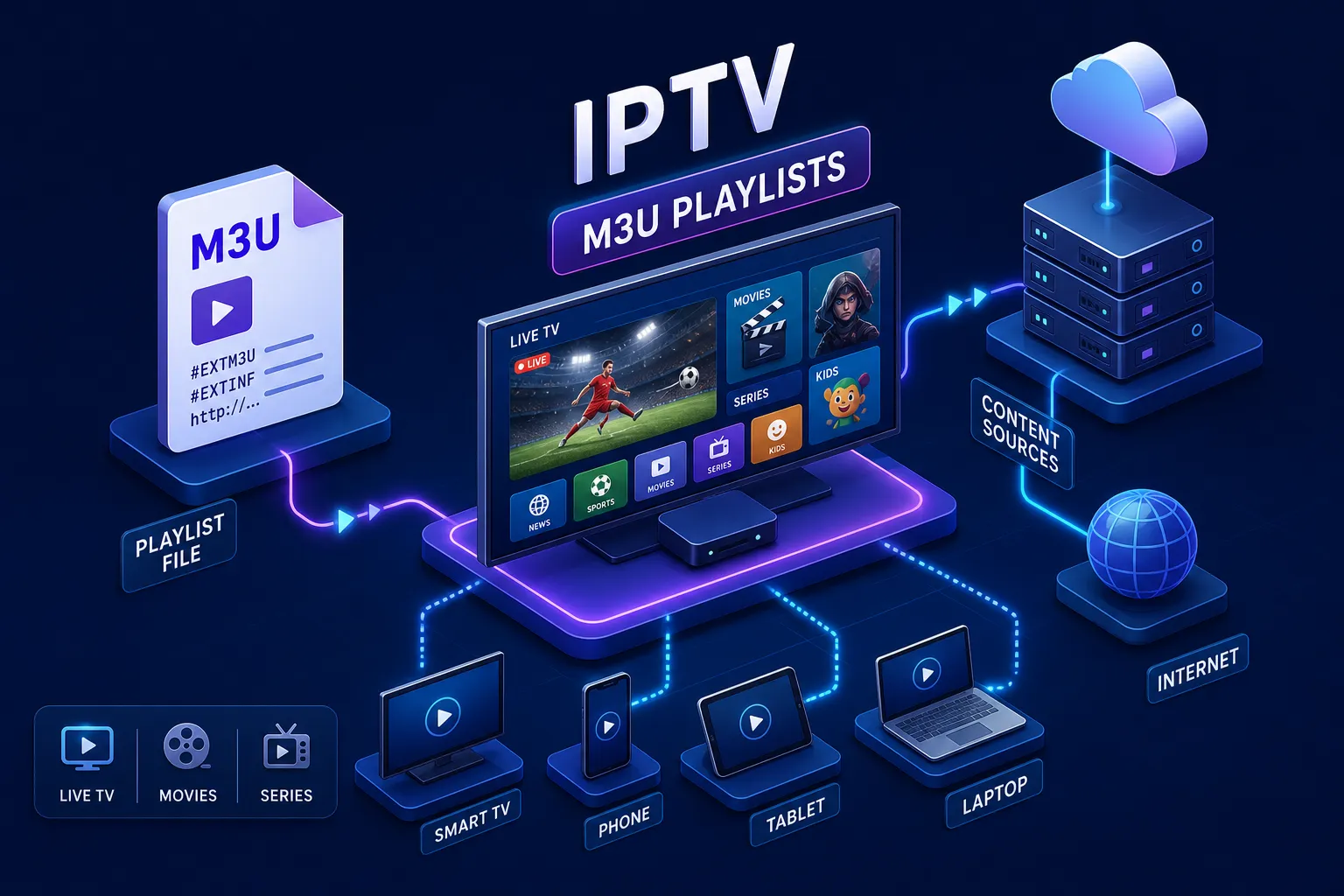
The Fire TV Stick 4K Max and Fire TV Cube are the most accessible 4K IPTV hardware for most users. Both support 4K HEVC decoding and run IPTV Smarters Pro cleanly. The Nvidia Shield is the premium Android TV option for users who want maximum decoding performance and full TiviMate compatibility; it handles demanding 4K streams without issue. Mid-range Android TV boxes from MECOOL, Formuler, and BuzzTV are solid alternatives that support TiviMate and connect easily to any M3U or Xtream Codes-based service.
Smart TVs and IPTV apps: TiviMate, IPTV Smarters Pro, and native options
Samsung Tizen and LG WebOS Smart TVs support 4K IPTV through app store options like Smart IPTV. On Samsung, you install the app and activate it using your TV’s MAC address; on LG, you activate through the LG Content Store. TiviMate is the top-rated Android TV IPTV app for 4K streams, with a hardware decoder setting and auto frame rate control that locks output cleanly. In TiviMate, navigate to Settings, then Playback, set Video Decoder to Hardware, and enable Auto Frame Rate. IPTV Smarters Pro is the preferred app for Fire TV users; connect your provider by entering your M3U URL or Xtream Codes credentials, and your channel library loads instantly.
Top 4K and 8K IPTV streaming services compared: who actually delivers
Channel counts and resolution labels are easy to advertise. What separates a reliable 4K service from an unreliable one is the server infrastructure behind it and the support available when something goes wrong. The providers below cover a range of price points and content depths, but they are not equal in what they actually deliver day-to-day.
Mom IPTV: 4K quality backed by dedicated server infrastructure
Mom IPTV is the top value pick among 4K IPTV providers in 2026. The service offers 22,000+ live channels and 120,000+ VOD titles, with streams available in HD, FHD, UHD, and 4K resolution. The core differentiator is a server architecture built specifically to minimize buffering and maintain picture quality during high-traffic sports events, the kind of load that exposes underpowered providers. Pricing starts at $13/month, with 1, 3, 6, and 12-month subscription tiers available.
The service includes a 7-day money-back guarantee and 24/7 WhatsApp support, both markers of a legitimate operation rather than a fly-by-night provider. Multi-device compatibility across Fire TV, Smart TVs, and Android boxes means you don’t need new hardware to start. Account activation is instant after subscribing, so you’re live within minutes. For a household replacing cable while keeping live sports and international programming, Mom IPTV covers all three in one subscription.
Other 4K IPTV providers worth knowing in 2026
For comparison context, IPTV Harmony advertises 35,000+ channels and 170,000+ VOD titles with a 36-hour trial, though public pricing is not listed. Flash4KIPTV offers 18,000+ channels and 150,000+ VOD titles at around $8/month with a 36-hour trial window. Nigma.tv advertises 50,000+ channels at $69.99/year. These are worth knowing as benchmarks, but a large channel count doesn’t automatically mean reliable delivery. Many providers in this category do not list public pricing and rely heavily on trial periods to demonstrate real-world performance, factor that into your evaluation alongside what Mom IPTV offers in terms of transparency and guaranteed support.
The honest reality of 8K IPTV subscriptions in 2026
A handful of providers, including IPTV 8K, Kemo IPTV Shop, and Flash4KIPTV, market 8K streaming as a feature. The important caveat: most advertised 8K in IPTV is upscaled 4K content, not native 8K. Genuine native 8K source material is extremely scarce in 2026. Outside of NHK’s 8K channel, select YouTube uploads, and limited Amazon Prime Video test content, the native 8K library is nearly nonexistent at a consumer level.
For the full 8K chain to work, you need a compatible device chipset, HDMI 2.1, an 8K television, and a provider delivering actual native 8K streams. Most of those conditions aren’t met simultaneously for typical U.S. viewers right now. For real viewers in 2026, 4K IPTV with quality server infrastructure is the practical peak of what works reliably. The 8K promise is real, but it’s still a future-state for most households.
What to check before you subscribe to any IPTV service
The IPTV market in 2026 includes legitimate, well-run services alongside gray-market operations that carry real security and legal risks. A low price alone is not a red flag, but several other signals are. Running through a quick pre-purchase check protects your money and your devices.
Red flags that signal a service isn’t worth your trust
The most important warning signs are: no public privacy policy or terms of service, payment accepted only in cryptocurrency, requests to disable antivirus software, and no real customer support contact. The FBI has issued public advisories flagging low-cost streaming devices and services as potential vectors for credential theft and malware, so any provider asking you to bypass standard app-store protections deserves immediate skepticism. If the service disappears after you pay, your options for a refund are essentially zero.
What a reliable provider looks like: trials, refunds, and real support
A trustworthy IPTV service has transparent pricing, a genuine money-back guarantee with clear terms, at least one standard payment method, a real support channel with reasonable response times, and a privacy policy you can actually read. Mom IPTV’s 7-day money-back guarantee and 24/7 WhatsApp support are exactly the kind of safety nets that distinguish a legitimate operation from a here-today-gone-tomorrow provider. When you can contact support in real time and get a refund if the service doesn’t perform, the subscription decision carries far less risk.
Choosing 4K and 8K IPTV streaming services: a buyer’s checklist
Your internet connection and device determine whether 4K IPTV will work at all. The provider you choose determines whether it works reliably. Those are two separate problems, and solving only one of them still leaves you with a subpar experience.
Before subscribing to any of the 4K and 8K IPTV streaming services on the market today, confirm these four things: your connection clears 35 Mbps with headroom, your device supports HEVC decoding, the provider uses HEVC or AV1 encoding (not H.264), and there’s a real trial or refund window you can use to verify real-world performance before fully committing.
For most U.S. viewers in 2026, a provider with proven server infrastructure, a massive content library, and transparent pricing at $13/month beats a competitor with a larger channel count on paper but unstable servers in practice. The 8K era is coming, but native 8K content and compatible consumer hardware aren’t there yet at scale. 4K, delivered properly with HEVC encoding and quality servers, is what your screen is actually capable of displaying right now.
Mom IPTV covers what matters most: 120,000+ titles across live and on-demand, dedicated servers built to stay stable under load, and a refund window that lets you verify performance before fully committing. Test a top choice among 4K and 8K IPTV streaming services with a trial to confirm real-world results, and if that trial is backed by a 7-day money-back guarantee, there’s very little reason not to start there.